The AI Accountant Posts Bank Statements by Itself: Forte Bank Is Connected to 1Cifer
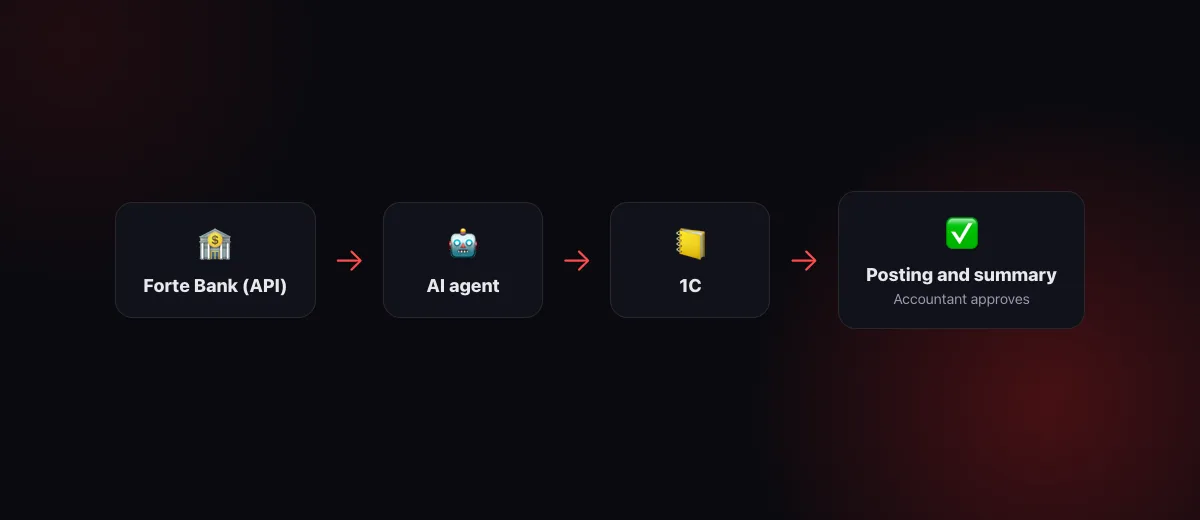
An accountant's morning starts in the bank client: sign in with the key, export yesterday's statement, open 1C, post the payments to counterparties and expense items, check whether the client has paid, prepare payment orders for suppliers and take them to the director for signing. Now the AI agent does this. 1Cifer connects to Forte Bank through the official ForteBusiness API: the agent pulls the statement and balances itself, reconciles and posts them to 1C, notices incoming payments and prepares payment orders. The signature stays with the director in the bank cabinet; money cannot leave via the API.
What changes in the accountant's day
Break the morning into operations, each with someone who has to do it:
| Operation | Before | With the AI agent |
|---|---|---|
| Daily statement | Sign in to the bank client, export a file, load it into 1C | The agent pulls the statement through the API itself, on a schedule or on a question in the chat |
| Posting payments | An hour or two of matching counterparties and expense items | The agent matches by the history of your postings and the documents in 1C, posts the confident ones and shows the doubtful ones |
| Tracking incoming payments | Check by hand whether the client has paid | “Has Alatau paid?” is answered from the statement in seconds, and on a schedule the agent reports new receipts itself |
| Account balances | Open the bank client | Balances of all accounts in the chat and in the morning summary for the manager |
| Payment order to a supplier | Fill in the details by hand, take it for signing | The agent prepares the order from the invoice in 1C and, after your approval, creates it in the bank “awaiting signature” |
| Reconciling the bank with the books | Once a month, at closing | Every day: what is missing in 1C, what did not go through the bank, where the amounts differ |
Not a single line on the right removes the accountant. Each one removes a reason to open the bank client “just to check”.
The statement reaches 1C without a file
Forte Bank has an official business API, and the agent works with it directly on behalf of your company: the bank issues the keys, an administrator enters them, and they are stored encrypted. The agent reads account balances, a statement for any period with counterparties, purposes and payment purpose codes, and the list of payment orders with their statuses. Statement files are no longer needed: the agent receives the same operations that are visible in the bank client and matches them with 1C right away.
Posting works the way we described in the article about the AI accountant: by counterparty, purpose and the history of your earlier decisions. A supplier you always booked to one expense item gets that item automatically. A payment against an invoice that already exists in 1C is linked to the invoice. Confident operations are posted; doubtful ones queue for a one-word approval in the chat. Every correction you make, the agent remembers.
Incoming payments: you learn first, not at reconciliation
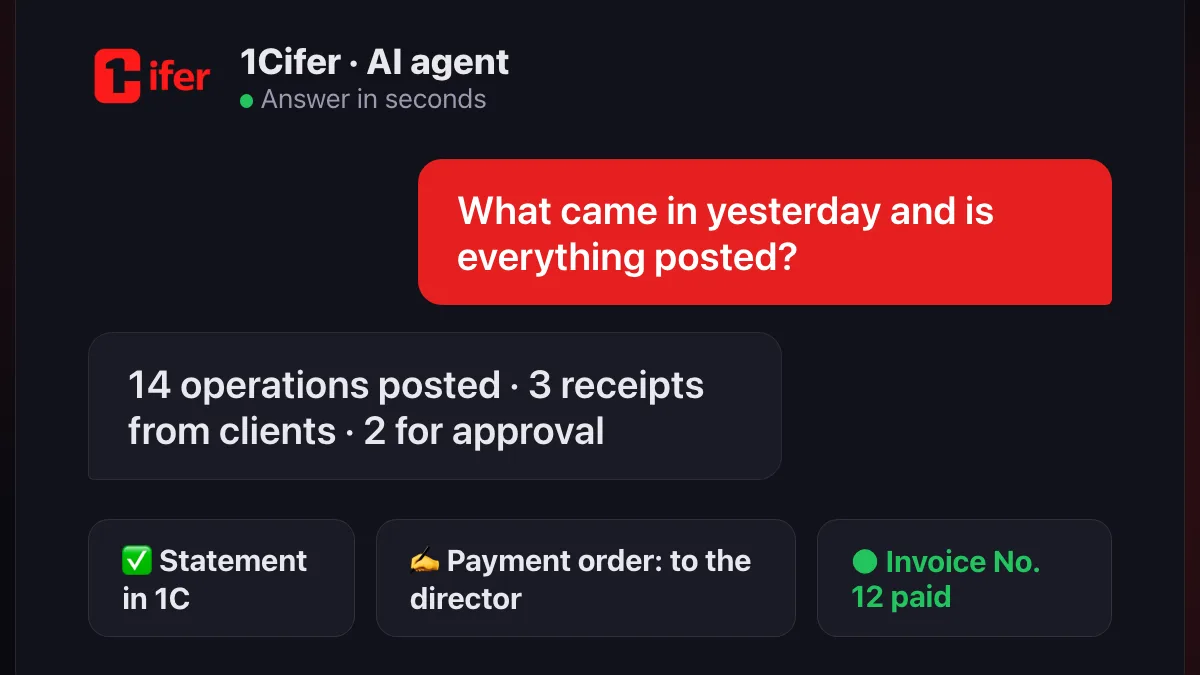
Ask “What came in today?” or “Has Alatau paid invoice No. 12?” and the agent answers from the bank statement, not from what has been posted in 1C so far. On a schedule it does the same by itself: in the morning it takes yesterday's operations, posts them and sends a short summary: how much came in, how much went out, which clients paid, what awaits approval. The sales department learns that an invoice was paid the same day, not when accounting closes the month.
Payment orders: the agent prepares, the director signs
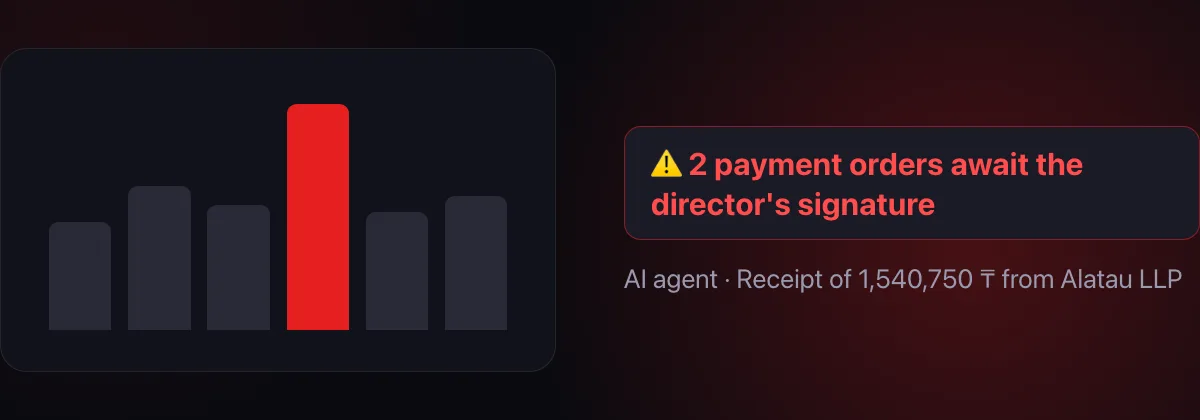
The agent assembles a KZT payment order from what already exists: the invoice in 1C, the counterparty's details, the payment purpose code. It shows you all the details and waits for approval in the chat. Only after your “yes” is the order created in the bank, and it is created with the status “awaiting signature”. It cannot be signed through the API at all: the director opens the Forte Business cabinet, sees the document and signs or declines it personally. There is no access level for the agent that would send money.
Who can see the bank
Access works like 1C, not like a shared folder. The company owner and administrators always see the bank. Others get access per position, department or person, with one of two levels: “read” (balances, statements, payment orders) and “prepare payments” (plus creating orders that await signature). A position's agent gets exactly that position's level: a sales manager's agent can find out whether their invoice was paid, but will not see balances or prepare a payment unless you opened that separately.
What the agent does not do without approval
- It does not send money. An order is created “awaiting signature”; the director signs in the bank cabinet. The bank has no signing via API.
- It does not create payment orders on its own. Every order is shown in the chat with its details and waits for a “yes”. Declined, and nothing appeared in the bank.
- It does not post doubtful operations. Operations the agent is unsure about wait for approval, just as when posting a statement from a file.
- It does not take the keys anywhere. The bank keys are stored encrypted and go only to the bank on behalf of your company.
The same control structure as in the other 1Cifer modules: more in the article about AI agents.
Where to start
- Get the ForteBusiness API keys from your Forte manager: clientId, clientSecret and the gateway key.
- Connect the bank in 1Cifer. Integrations catalog → “Forte Bank”: an administrator enters the keys; the sign-in is verified before saving. Press “Find accounts”: the bank has no account list, so 1Cifer collects them from payments and statements and shows balances.
- Open the bank to accounting. The chief accountant's position gets the “prepare payments” level; others as needed.
- Ask the agent “What came in yesterday?” and “Post the statement for the week”. With 1C connected, posting and reconciliation switch on at once; then put it on a morning schedule.
FAQ
Can the agent transfer money?
No. The bank's API does not allow signing an order, and without the director's signature in the Forte Business cabinet money does not move. The agent only prepares the document, and only after your approval.
Is 1C required?
Balances, statements, tracking of incoming payments and payment orders work without 1C. Posting and reconciliation with the books are added once a 1C database is connected to the company.
Which banks are supported?
Forte Bank through the ForteBusiness API for now. Other banks are connected as they open a business API; statements from any bank as a file are posted by the agent already today.
Where are the bank keys stored?
In 1Cifer, encrypted, and used only for requests to the bank on behalf of your company. The keys never reach the chat or the language model.
Read next: AI accountant: a new level of accounting quality · AI agent for ESF e-invoices and the Taxpayer Cabinet · What is an AI agent — in plain words
Let the statement post itself
1Cifer connects Forte Bank through the official API: balances, statements and receipts in the chat, posting to 1C on a schedule, payment orders for the director's signature. Connected in five minutes with the bank's keys.
Request trial access