How to Run a Company with AI Agents
Running a company is 80% chasing information and pushing work along: getting the numbers, reminding someone about a task, following up on an approval, checking that the procedure was actually followed. AI agents take exactly that layer off your plate. Here’s a step-by-step look at a leader’s day when every employee has an agent — and where to start.
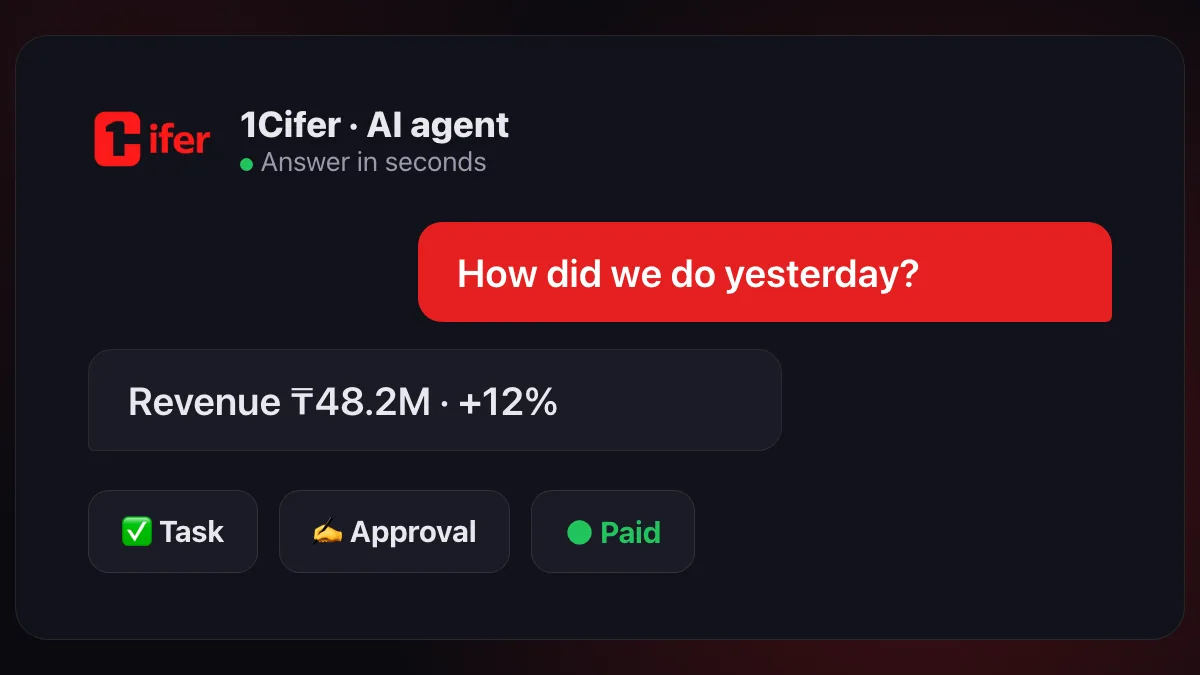
A leader’s morning: a summary in seconds
The classic morning: two calls, three chats, “send me the report by noon.” By noon the numbers are already stale.
With an agent, the morning looks different: “How did the company do yesterday?” — and seconds later, a summary: revenue, payments, stalled deals, tasks with deadlines on fire. The agent gathers the data itself — across 1C ERP, CRM, email and spreadsheets — so the answer never depends on who’s in the office today. We covered how this works under the hood in our article on AI agents.
| Management routine | Before | After |
|---|---|---|
| Get the numbers | Request a report, wait for hours | Ask the agent — answer in seconds |
| Assign a task | Chat, call, “don’t forget to check” | Delegate in the chat: deadline, assignee, reminders — handled |
| Approve an invoice | PDFs forwarded over WhatsApp | An approval route with decision history |
| Check a procedure | Status meetings and manual control | The agent runs the process, deviations show up instantly |
Control without micromanagement
Micromanagement grows wherever there’s no transparency: you have to ask, because otherwise you’d never know. In 1Cifer, tasks are assigned right in the chat — the agent picks the assignee, tracks the deadline and reports back with the result. The leader sees the full task picture at any moment, without chasing anyone.
One important consequence: status meetings stop being a roll call. The statuses are already visible — meetings are for decisions.
Approvals without the bottleneck
Invoices, contracts and time-off requests have a habit of waiting on one person — and most often that person is the leader. When an approval lives in a messenger, it gets lost between messages; when it lives in email, it drowns in the inbox.
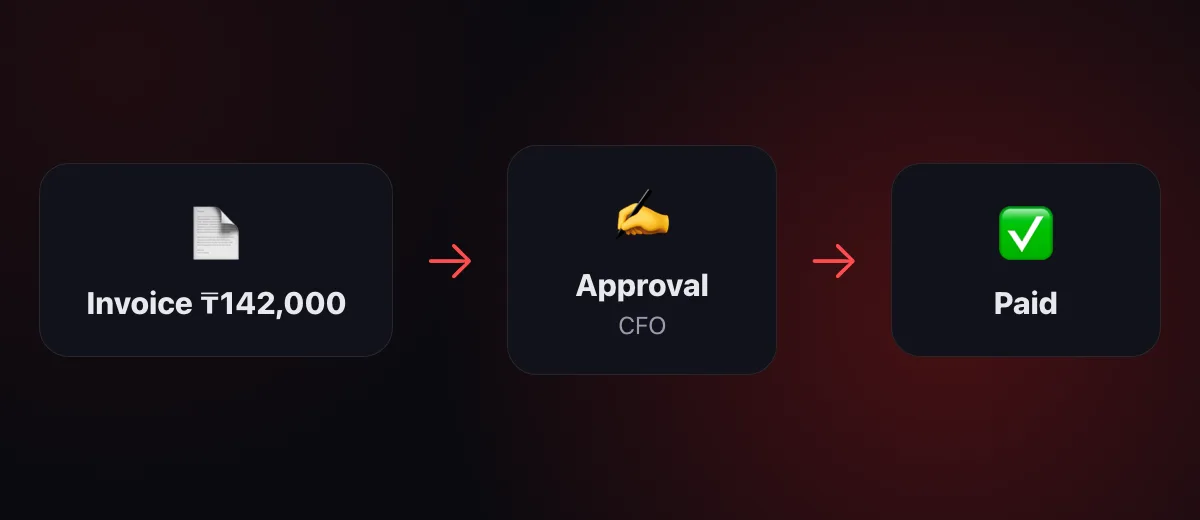
In 1Cifer you define the route once: who approves, in what order, with what limits. From then on, the agent moves the document along the chain, reminds the approvers and keeps the history: who decided what, and when. A ₸100,000 invoice takes the short path; a multi-million contract takes the long one. The leader approves from a phone in a minute — and nothing sits waiting for them to come back from vacation.
Processes that don’t depend on people
Month-end close, onboarding a new hire, inventory counts — procedures that usually live in one person’s head. That person goes on vacation — the process stops.
The agent runs the process step by step: every step has an owner and a deadline, and the next one starts when the previous one is done. Nothing falls through the cracks between departments — and the leader always sees which step the process is on and where it’s stuck. This is the third level of business automation — the one teams rarely reach by hand.
Structure and permissions: everyone sees their own
Manageability rests on a simple principle: everyone sees what they’re responsible for. In 1Cifer, your company structure — roles and departments — defines the permissions: the director sees everything, the accountant sees finances, the manager sees their clients. Each employee’s agent works strictly within those boundaries.
A new hire gets their role’s agent and access in a minute — and when someone leaves, the knowledge doesn’t leave with them: it stays in the system, the history and the procedures.
Early signals instead of late reports
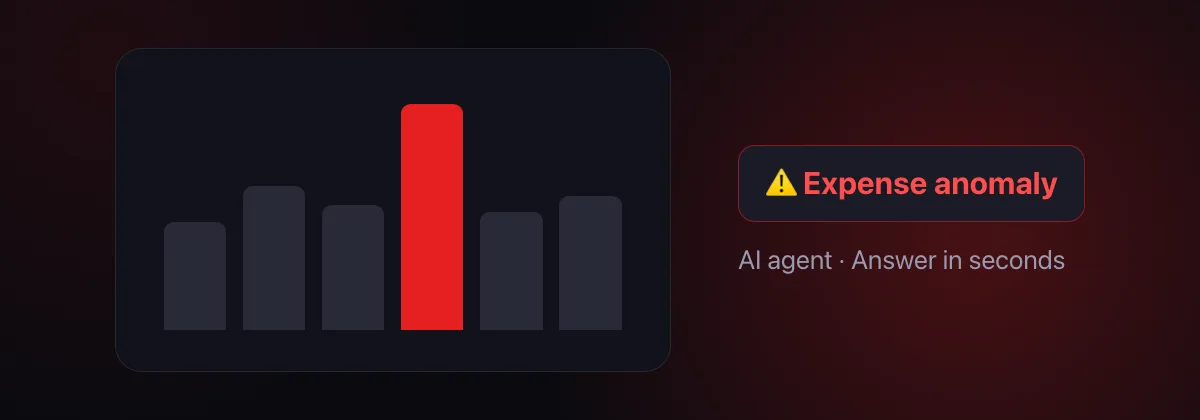
A month-end report tells you about a problem after it has already cost you money. The agent watches the data constantly: a discrepancy in documents, an anomaly in expenses, stuck receivables — they surface the moment they appear, not at the quarterly review.
Where to start
- Connect what you already have. 1C, CRM, email, spreadsheets — 1Cifer works on top of your systems; nothing needs to change.
- Start with questions. For a week, just ask: “how much did we make,” “what’s in stock,” “who owes us.” It’s the fastest visible result.
- Add one approval. Usually invoices: the route takes an evening to set up, and you feel the effect within the first week.
- Describe one process. The one that stalls most often. Then add more — one at a time, no revolutions.
Frequently asked questions
Will an AI agent replace the management team?
No. Agents take over the routine of management — gathering information, sending reminders, moving approvals along — while decisions stay with people. The leader gets time back for what can’t be automated: strategy, people, product.
How long does it take to get started?
You see the first result on day one: connect your systems to 1Cifer and ask your first question within 5 minutes. Tasks, approvals and processes are added gradually, without stopping the business.
Do we need to replace our accounting systems?
No. 1C, CRM and your other systems remain the source of truth — the agents plug in on top and work with the data you already have.
How do we control what the agents do?
Every agent action is visible in the history: who delegated it, what was done, who approved it. Critical operations require human confirmation — you stay in control.
Read next: What is an AI agent — in plain words · Business automation: where to start · AI Accountant: A New Level of Accounting Quality
Try running your company from one window
1Cifer connects to 1C, CRM and email in 5 minutes. Ask — you get the answer; delegate — it gets done: tasks, approvals and processes — in one window.
Request trial access